
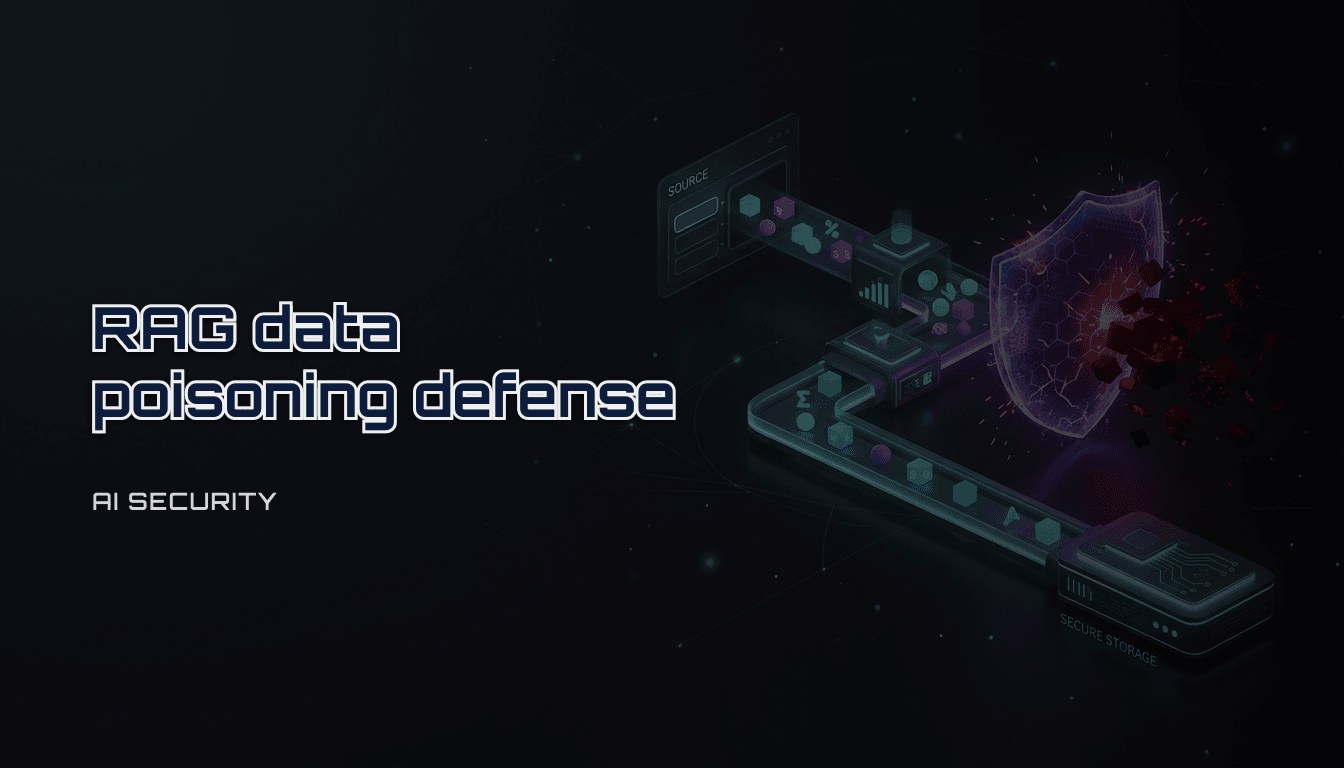
RAG data poisoning defense: a practical checklist for AI apps (2026)
A practical checklist to reduce RAG data poisoning risk. Learn how poisoning happens, what to log, and what controls to add to your ingestion and retrieval pipeline without slowing shipping.
Table of Contents
- How do you defend a RAG system against data poisoning without slowing shipping?
- Conclusion
- Explanation
- Practical Guide
- Step 1: classify your ingestion inputs (10 minutes)
- Step 2: restrict “who can write knowledge” (5 minutes)
- Step 3: add validation + quarantine (10 minutes)
- Step 4: log the evidence you’ll need later (5 minutes)
- Pitfalls
- Checklist
- FAQ
- 1) Can I just add a system prompt that says “ignore malicious instructions”?
- 2) Should I block all untrusted ingestion?
- 3) What is the fastest first improvement?
- Internal links
- Disclaimer
How do you defend a RAG system against data poisoning without slowing shipping?
Conclusion
RAG systems fail when untrusted content becomes “trusted knowledge.” You reduce data poisoning risk by controlling three stages:
- ingestion (what enters the knowledge base)
- retrieval (what gets surfaced)
- response (what the model is allowed to do with retrieved content)
The minimum practical defense is a 30-minute checklist:
- restrict ingestion sources and permissions
- add basic validation and quarantine
- log document IDs and retrieval decisions
- make sensitive actions and tool calls opt-in
Explanation
Data poisoning in RAG means an attacker (or a mistake) gets harmful content into your retrieval corpus. That content can:
- override instructions (“ignore previous rules”)
- inject fake policies or procedures
- embed malicious links or credentials
- manipulate tool usage (“call this endpoint”, “export this data”)
Poisoning can be deliberate (malicious uploads) or accidental (wrong docs, outdated policies, copied vendor text).
The key idea:
- you cannot “prompt” your way out of bad knowledge
- you must control the pipeline and keep evidence
Practical Guide
Step 1: classify your ingestion inputs (10 minutes)
For one RAG feature, list where documents come from:
- file uploads
- help center / wiki pages
- tickets / CRM notes
- web crawlers
- shared drives
Then label each source as:
- trusted (internal, access-controlled)
- semi-trusted (partner-controlled)
- untrusted (user uploads, public web)
Rule:
- untrusted sources require quarantine and stronger validation
Step 2: restrict “who can write knowledge” (5 minutes)
Most poisoning starts with write permissions.
Minimum controls:
- separate read and write roles
- require explicit approval for new sources
- disable public write paths by default
If you cannot answer “who can add docs,” you do not have ingestion security.
Step 3: add validation + quarantine (10 minutes)
You don’t need perfect scanning on day one. You need a consistent gate.
Validation ideas:
- file type allowlist
- max size, max pages
- strip active content (HTML/JS)
- detect obvious prompt-injection strings (as a heuristic, not a guarantee)
Quarantine rule:
- new or edited docs from untrusted sources do not go live until reviewed
Step 4: log the evidence you’ll need later (5 minutes)
Minimum logging for RAG incidents:
- request_id / trace_id
- retrieved_doc_ids (not content)
- chunk_ids (or offsets)
- source type (trusted vs untrusted)
- top-k retrieval scores
- tool calls executed (names only)
If a customer asks “why did the model say this,” you should be able to point to doc IDs.
Pitfalls
- letting users upload documents directly into the live index
- web crawling without domain allowlists
- no document provenance (no IDs, no source metadata)
- treating retrieval as “not security relevant”
- allowing tool calls based on retrieved content
Checklist
- [ ] I listed all ingestion sources for this RAG feature
- [ ] Each source is labeled trusted/semi-trusted/untrusted
- [ ] Untrusted sources require quarantine before indexing
- [ ] File types and sizes are validated at ingestion
- [ ] Write permissions are separated from read permissions
- [ ] New sources require explicit approval
- [ ] Crawlers use a strict domain allowlist
- [ ] Every document has a stable doc_id and provenance metadata
- [ ] Retrieval logs doc_ids and scores (not raw content)
- [ ] The model cannot call sensitive tools by default
- [ ] Tool calls are route-scoped and opt-in
- [ ] We can explain “why” via doc IDs within 10 minutes
FAQ
1) Can I just add a system prompt that says “ignore malicious instructions”?
It helps, but it is not sufficient. Poisoned knowledge changes what the model sees as facts. Pipeline control is the real defense.
2) Should I block all untrusted ingestion?
Not necessarily. You can accept untrusted inputs if they go through quarantine and provenance tracking.
3) What is the fastest first improvement?
Quarantine untrusted docs and log retrieved_doc_ids for every request. That gives you control and evidence.
Internal links
- Hub: AI development
- Related:
Disclaimer
General security guidance only.
Popular
- 1Permit2 explained (Web3): why approvals changed and how to use it safely (checklist)
- 2Read wallet signing screens (Web3): a 30-second checklist to avoid permission traps
- 3Spec-to-implementation prompt template (AI development): how to stop the model from guessing
- 4Revoke token approvals on EVM: how to audit allowances safely (checklist)
- 5Clarifying questions checklist (AI development): what to ask before you let an LLM build